中文 EN

A GBA library for Android handhelds · emulator built in

Your GBA games
deserve a museum

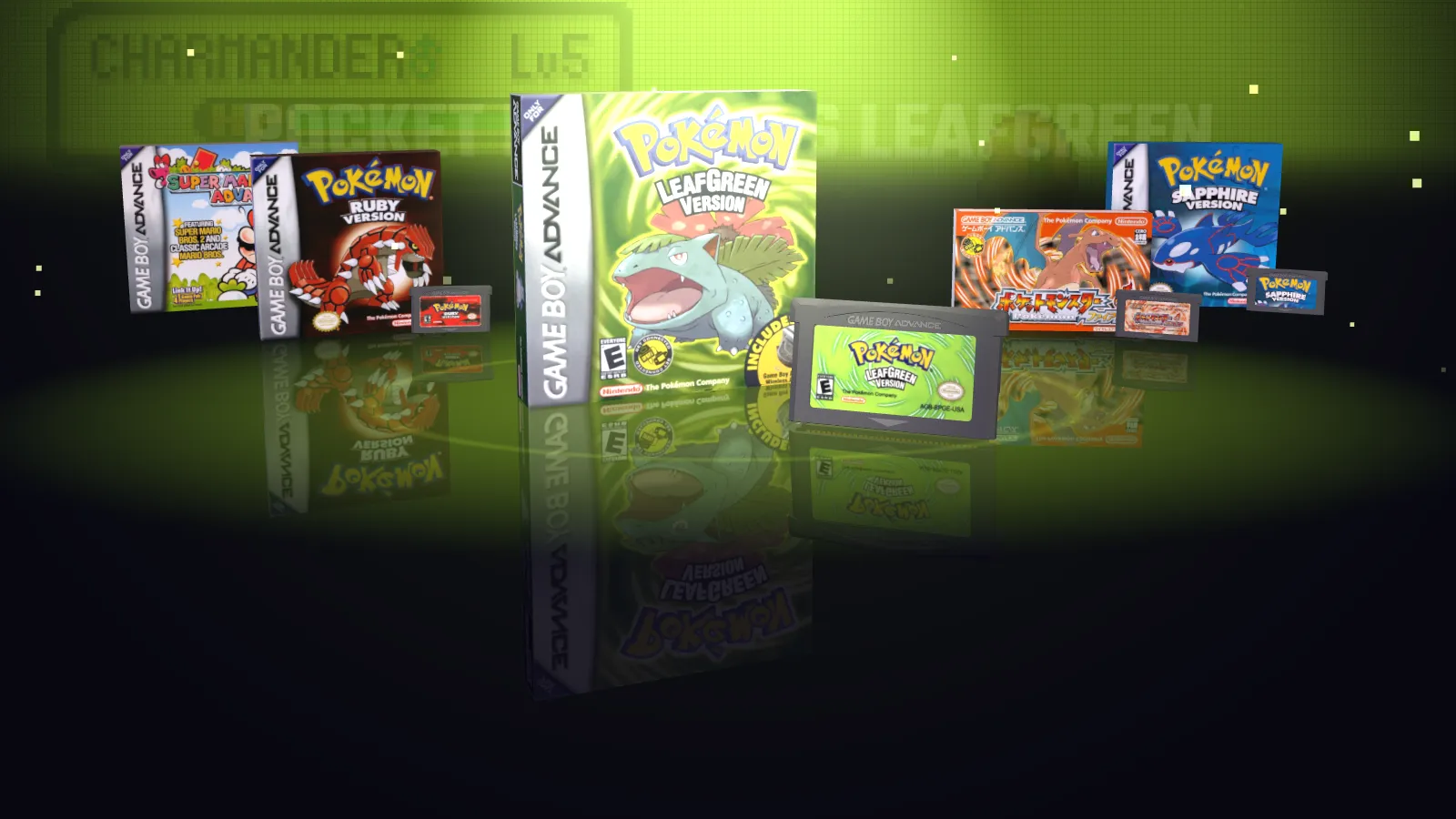
Hand it your own games. It works out which is which and puts them on show in 3D. Pick one and play.

Watch the film See more

01 · Recognition

Add a folder.
Games shelve themselves

IDENTIFY

Games are recognised automatically, with no scraping chores. It goes by what is in the file, so renamed files are fine.

  • A built-in GBA fingerprint database recognises games by file content
  • Games go on the shelf one by one as the scan runs
  • Different versions of the same game are grouped together

02 · Game data

Your library deserves
a proper display

CATALOG

Detailed game data is built in: names, years, genres and publishers, ready for you.

  • Halls by series, genre and publisher
  • Search, filters and quick jump
  • Favourites and recently played

03 · Boxes & carts

Boxes and carts,
just as you remember them

BOX & CART

Import a media pack and boxes and cartridges wear their original covers and labels in 3D, with the feel of holding them in your hands.

  • Turn box and cartridge around in the detail view for a closer look
  • No media pack? Games show a generic box and cartridge and play the same

04 · Emulator

Pick a game and play.
Nothing to set up

PLAY

The emulator is built in. No separate install, and no settings to work through first.

  • Save states that keep a picture of the moment
  • Fast forward at 2×, 3× or 4×
  • Rewind
  • Run Ahead: switch it on when you want less of the game's own input lag

05 · Rewind

Back to the exact second
you want

REWIND

A slip doesn't mean starting over. Scrub the timeline like a video, back to the exact moment.

  • Hold rewind; let go to stop on the timeline
  • Step back or forward, or jump 5 seconds
  • Confirm to carry on from there, or cancel to go back

RewindPaused

Oldest

Drag the timeline or hold ◀ ▶ to try it.

06 · Sync

Switch handhelds.
Your progress comes along

SYNC

Two handhelds on the same network can sync. Your saves and records travel with you.

  • Check a pairing code the first time, so you know both handhelds are yours
  • See what will change first; nothing moves until you confirm
  • In-game saves, save states, play records and favourites go together; saves for games the other handheld lacks are kept too

07 · More

The details got the same care

  • CheatsCheat codes are built in. Switch them per game.
  • Screen effectsSix screen effects, plus GBA colour correction and frame blending for the original look.
  • Key mapping and turboRemap any button and set the turbo speed.
  • Per-game settingsTune picture and controls for one game, leaving the rest alone.
  • Pick up where you left offRemembers where you quit and resumes there next time.
  • Archives just work.gba, .zip and .7z are all read, subfolders included.
  • English and ChineseThe interface and the game names come in both.
  • Save backupsSaves can be backed up and restored.

POCKET MUSEUM GBA

Just bring your own games